

Composio Instant or your own API key
Composio Instant lets you use supported Tavily tools without a Tavily account or API key. Composio provides access and charges calls to your Composio wallet. With a connected Tavily account, requests use your API key and consume your Tavily credits.
See the Tavily toolkit for current tool support and rates. Composio and your agent provider may have separate charges.
Connect your agent
You can use Tavily through Composio with Claude, Codex, ChatGPT, Cursor, or any MCP-compatible agent:- MCP connection: Follow Composio Connect to add
https://connect.composio.dev/mcpto your agent and sign in. Use this route for shared team connections. - Codex and Claude Code plugins: Follow the Composio plugin setup. These plugins use the Composio CLI to discover and execute tools from your conversation.
Set up Tavily
Option 1: Use Composio Instant
- Enable Instant in Composio if it is not already enabled. See the Instant setup guide for availability and controls.
- On the Tavily app page, confirm Instant is on. Open View wallet to check your balance, and review the rates beside Tavily search and Tavily extract.
- Ask your connected agent to use Tavily. You do not need to click Connect account or enter a Tavily key for these Instant tools.
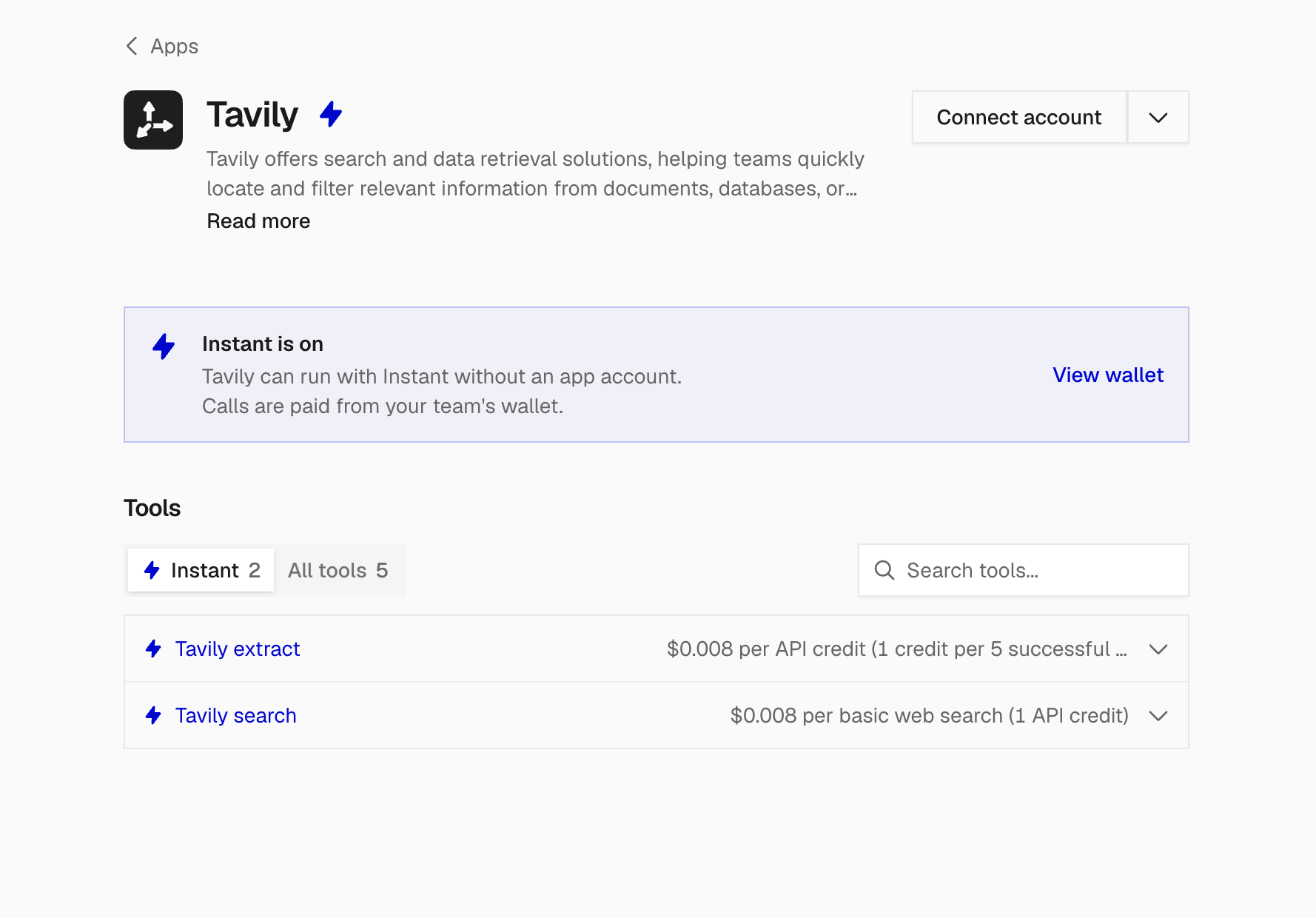
Tavily Search and Extract available through Composio Instant.
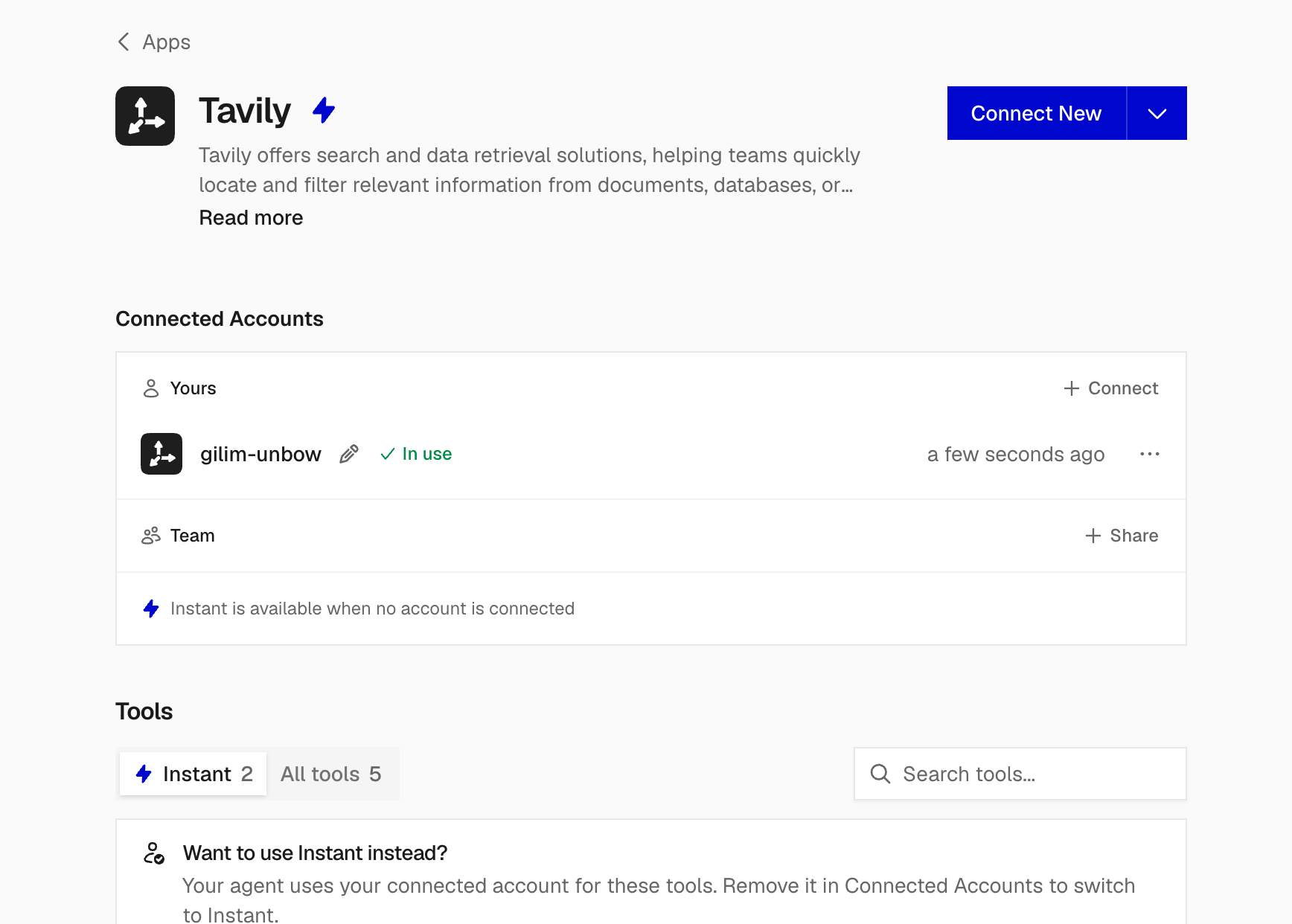
Your personal connection takes priority, followed by an available team connection, then Instant. If Tavily already shows a connected account, calls use that account instead of your Instant wallet.
Option 2: Connect your Tavily API key
- Copy an API key from your Tavily dashboard.
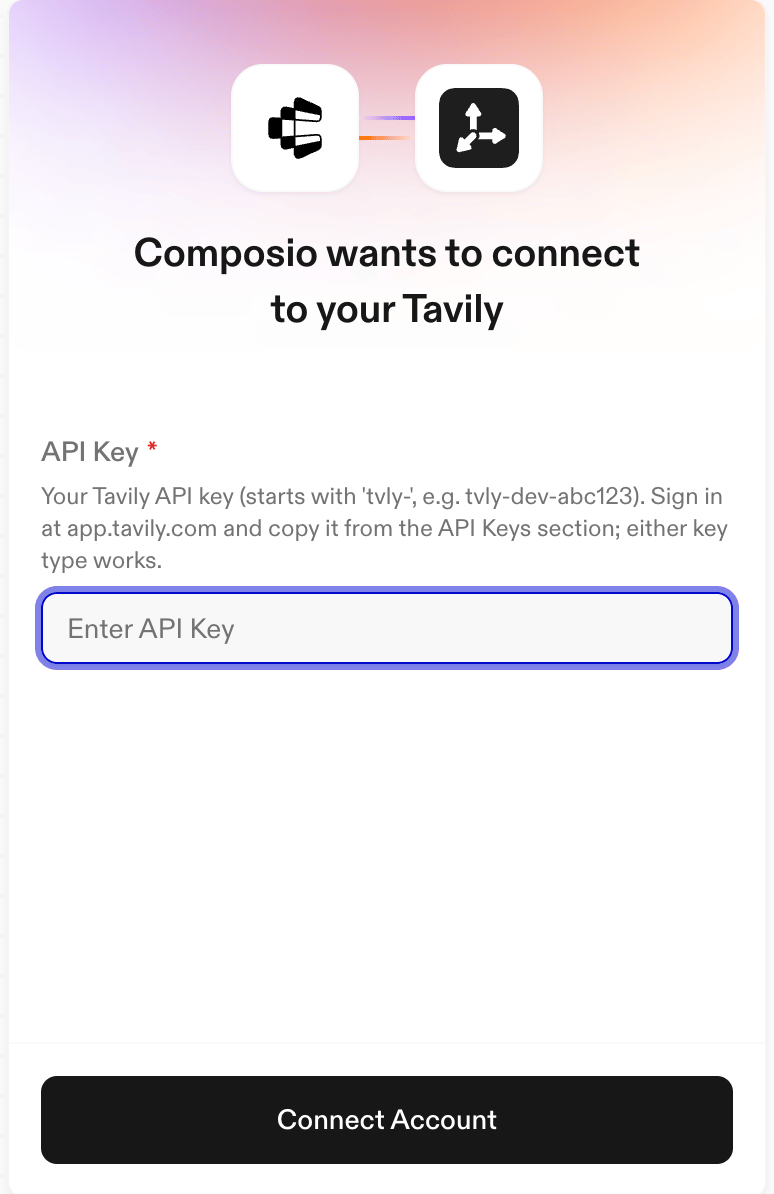
- On Tavily’s Composio app page, click Connect account or Connect New.
- Paste the key into API Key, then click Connect Account.
Share Tavily with your team
For personal use, keep your connection under Yours. To make a Tavily connection available to your team, click Share beside Team, review the access details, and click Continue. Complete any remaining connection prompts. Team sharing is currently Beta, MCP Only. It grants access to everyone on your Composio team, including future members. Team workflows can also use Instant through the team’s wallet when no personal or shared Tavily account is connected.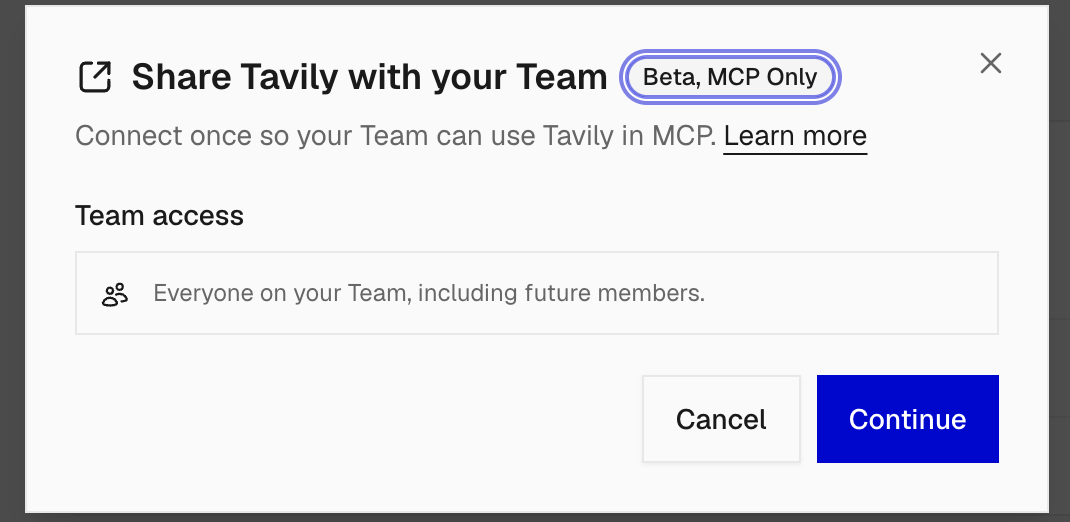
Example usage
Try these prompts in your connected agent. Connect the other apps mentioned in each prompt through Composio as well. Prepare for a customer meetingFind my next external meeting in Google Calendar. Use Tavily to research the company’s products and announcements from the past month. Give me a short brief with source links and three relevant questions for the call.Build a competitor update for your team
Use Tavily to find product launches from [competitor names] in the past seven days. Extract the announcement pages, then create a Google Sheet with the company, announcement, date, summary, and source URL. Draft a short Slack update with the highlights.Building your own agent? Follow the Composio SDK quickstart and scope your session to the
tavily toolkit. Use Composio Platform for application integrations; the setup above uses Composio For You.
Resources
- Composio Instant: Enable Instant, control usage, and understand billing.
- Tavily toolkit on Composio: Available tools and current Instant support.
- Composio Connect: Connect Claude and other MCP clients.
- Composio agent plugins: Set up Codex or Claude Code.
- Composio SDK quickstart: Add tools to your own application.