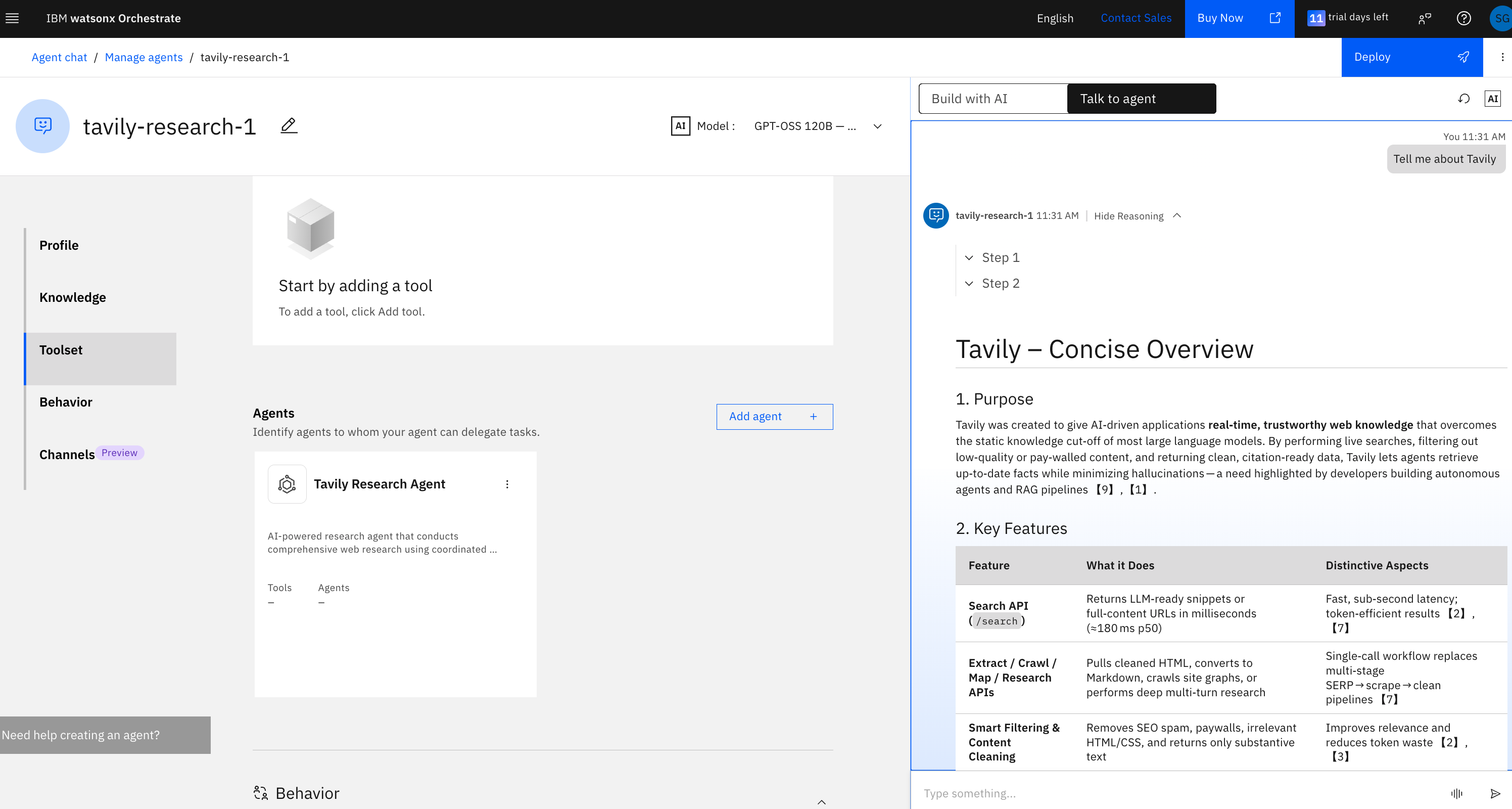
Overview
Tavily offers two services on IBM watsonx Orchestrate:- Tavily Research Agent — An AI-powered research agent that conducts comprehensive web research using coordinated parallel sub-agents to deliver detailed, citation-backed reports on complex topics.
- Tavily Search API — Real-time web search optimized for AI agents and LLMs.
Setup Guide
Step 1: Create a Tavily Instance on IBM Cloud
- Navigate to IBM Cloud
- In the search bar, type “Tavily” to find the available services
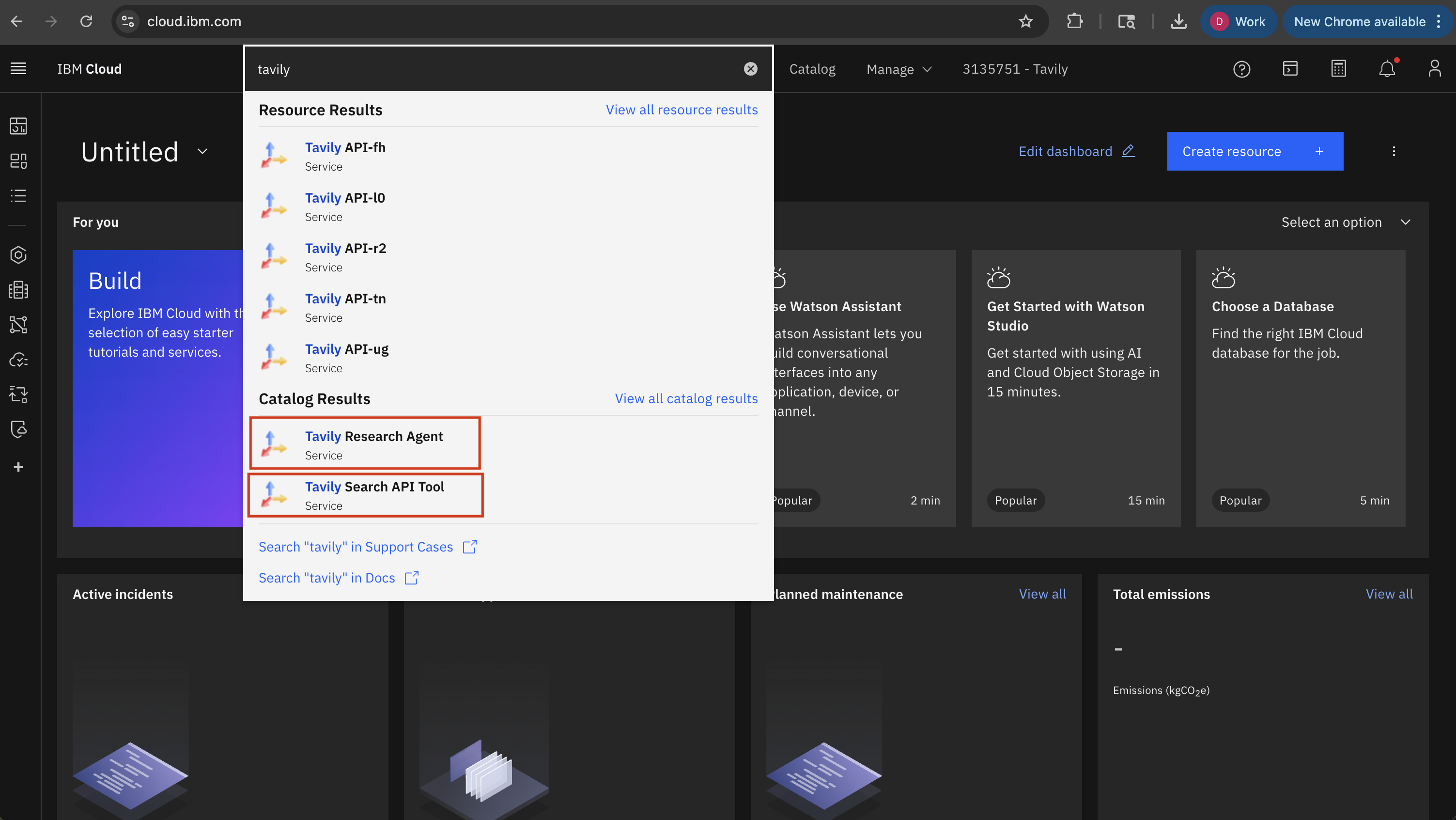
- Select either Tavily Search API or Tavily Research Agent depending on your needs
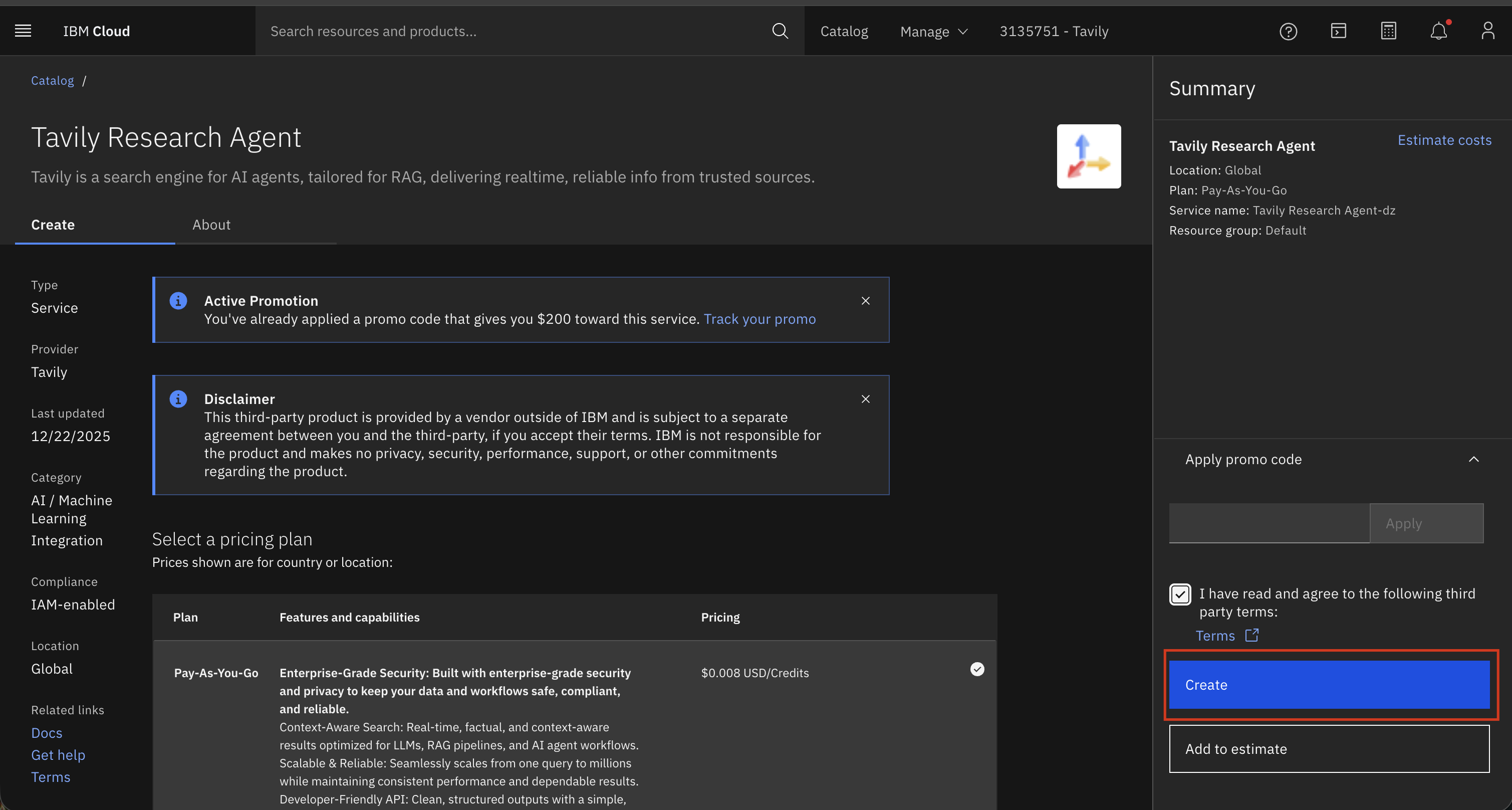
- Click Create to provision a new instance
Step 2: Copy Your Bearer Token
Once your instance is created, copy the bearer token from the credentials section. You’ll need this to connect the agent in watsonx Orchestrate.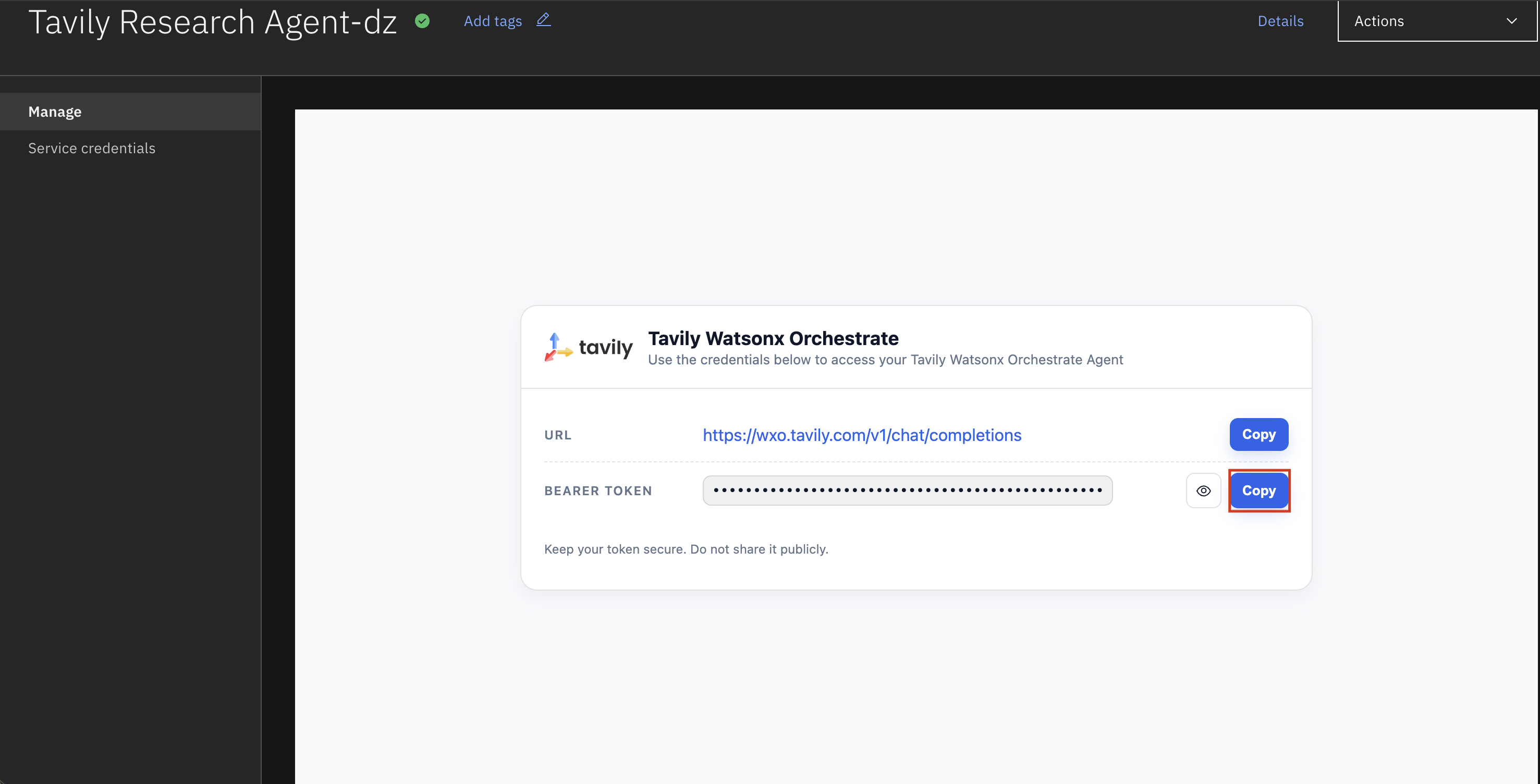
Step 3: Add Tavily to watsonx Orchestrate
- Navigate to watsonx Orchestrate
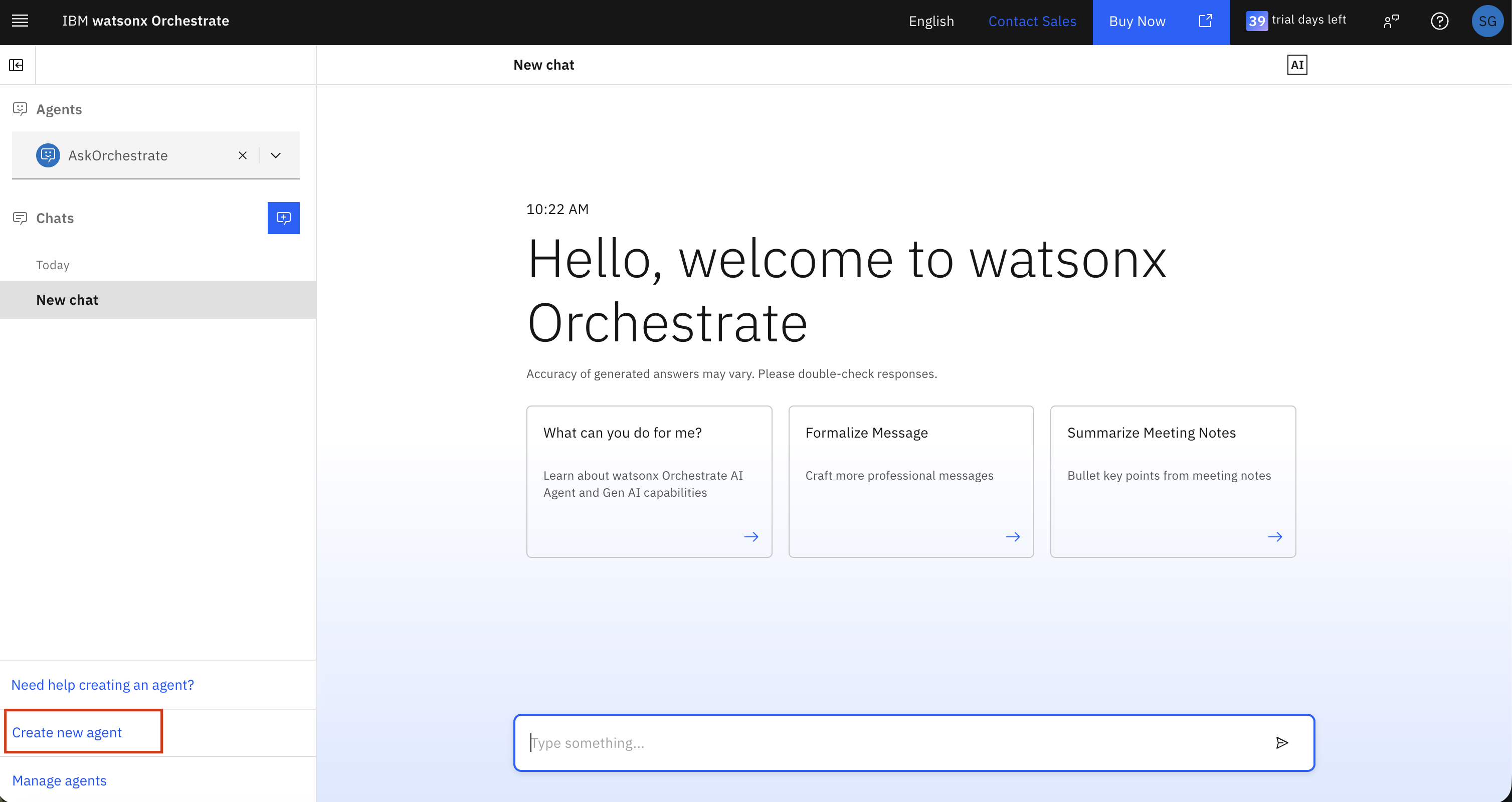
- Create a new agent
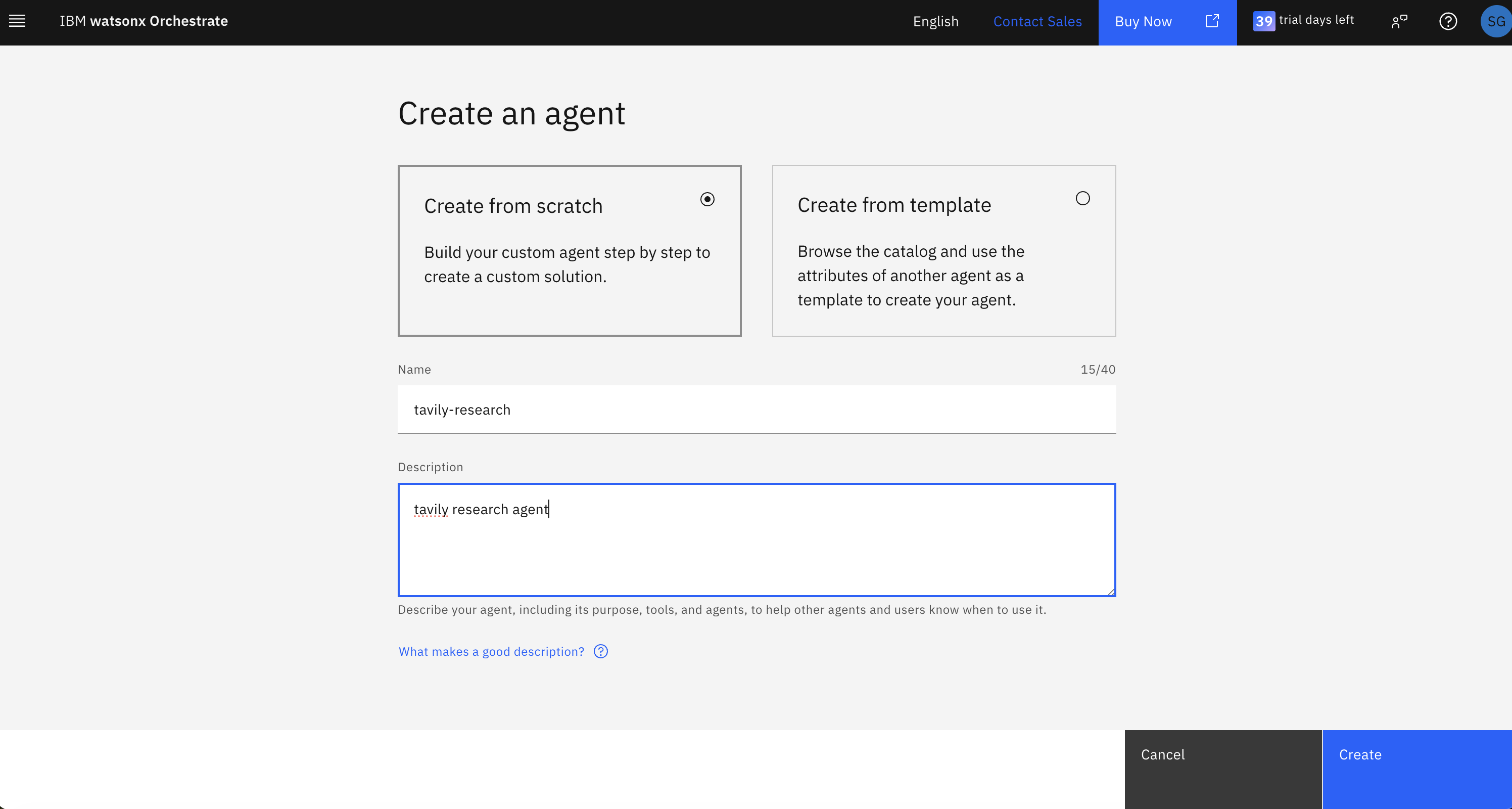
- Name your agent
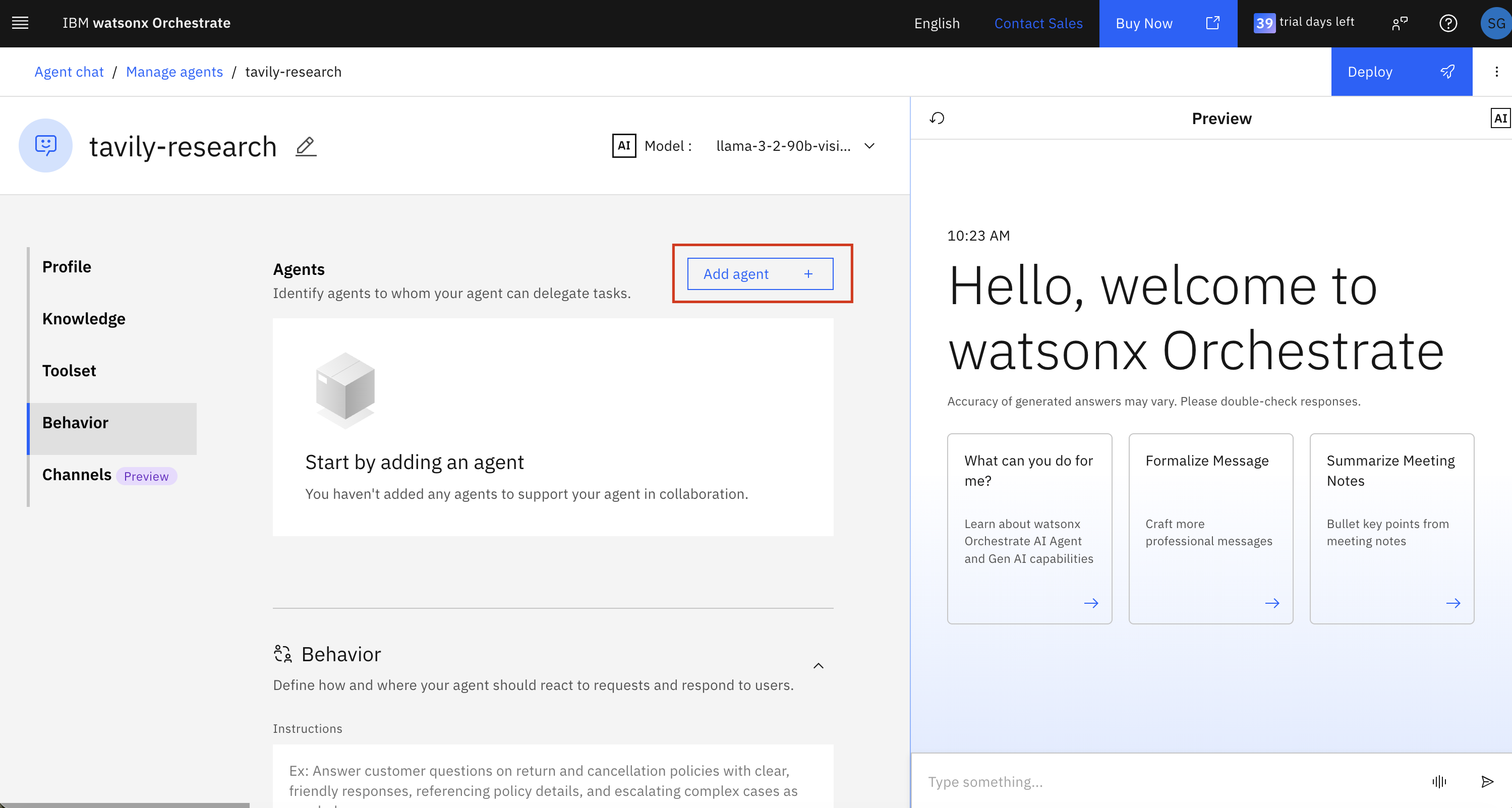
- Add a collaborator agent
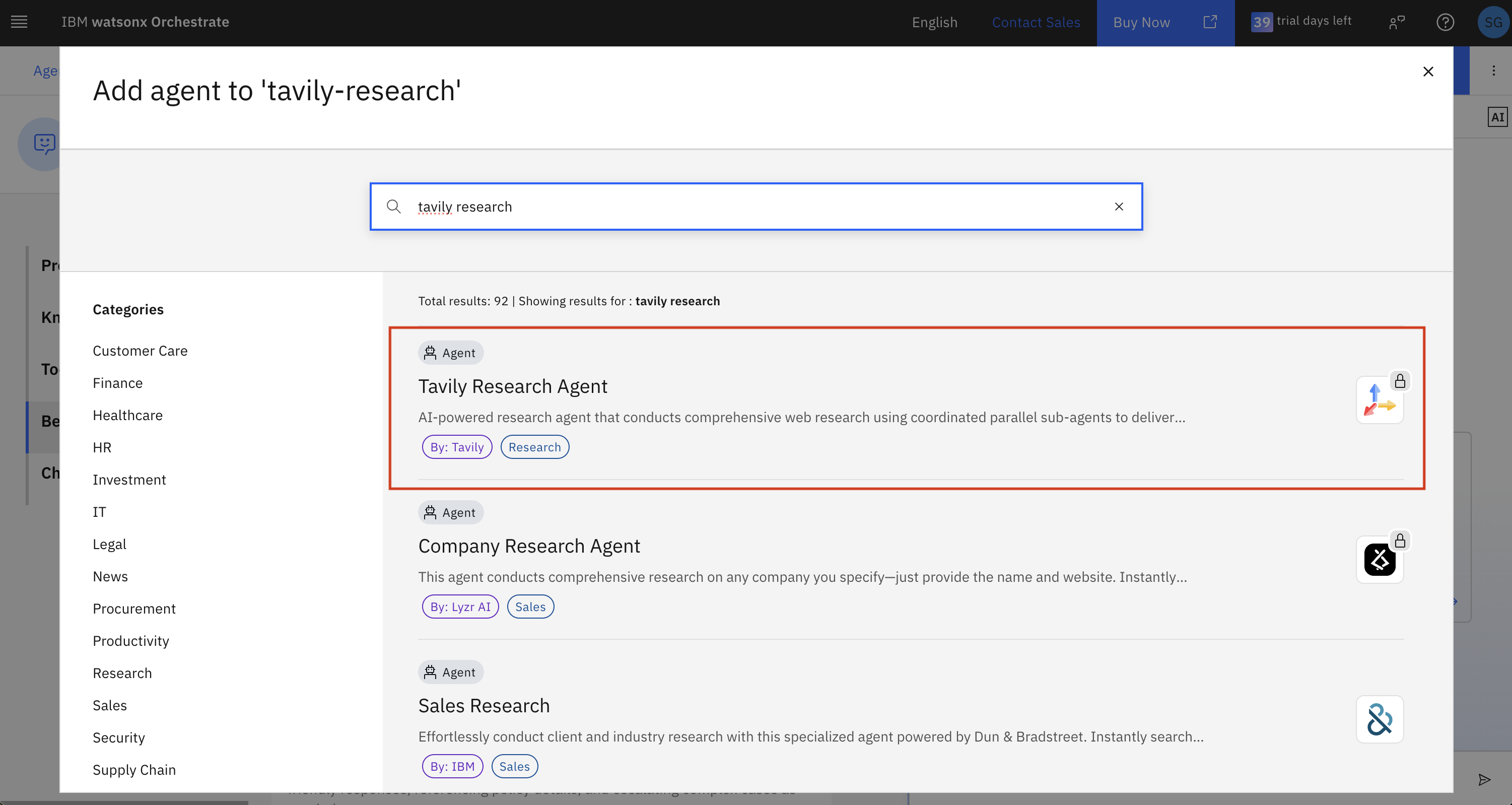
- Select Tavily Research Agent from the partner agents list
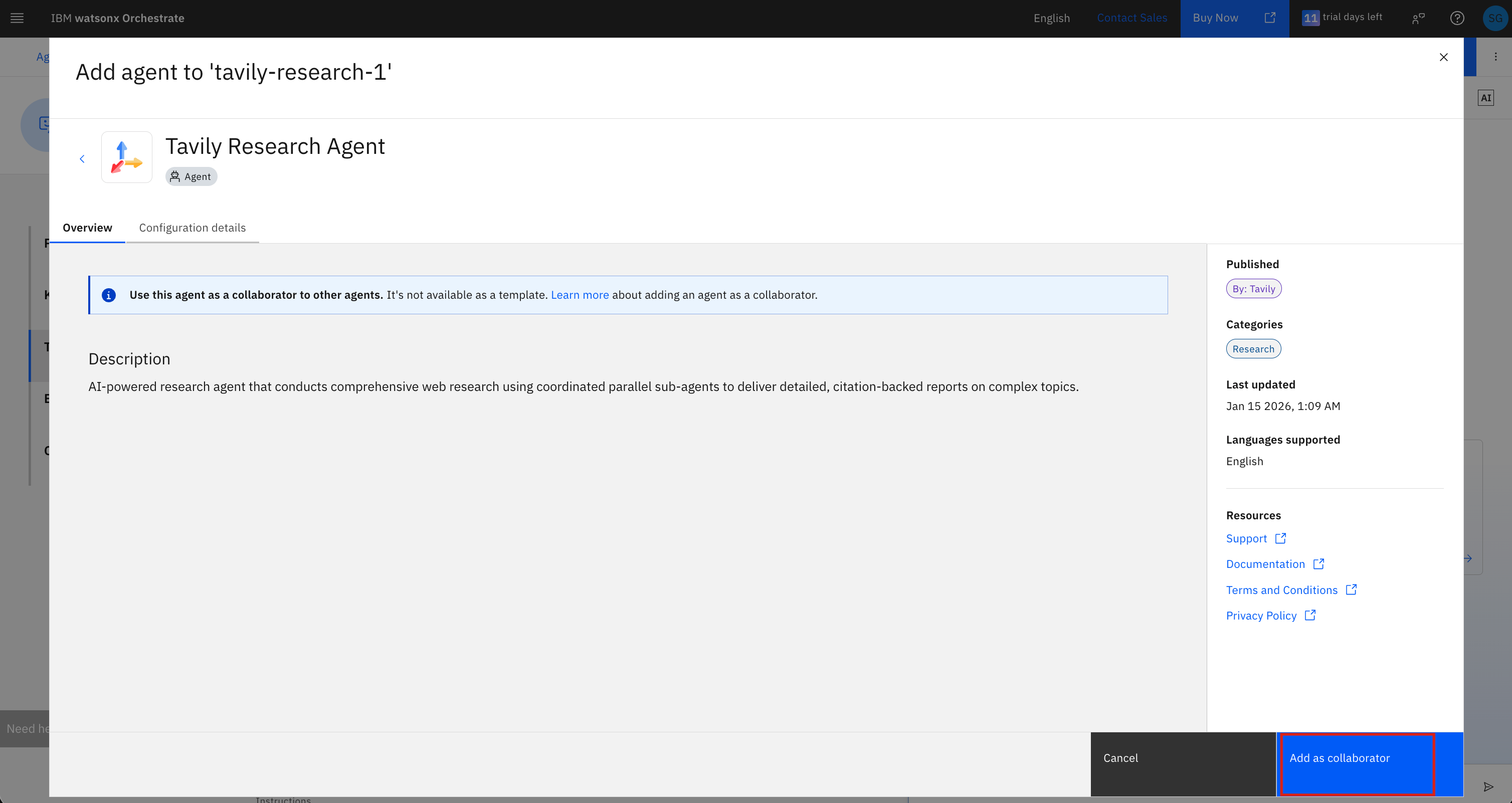
- Review the agent details and click Add as collaborator
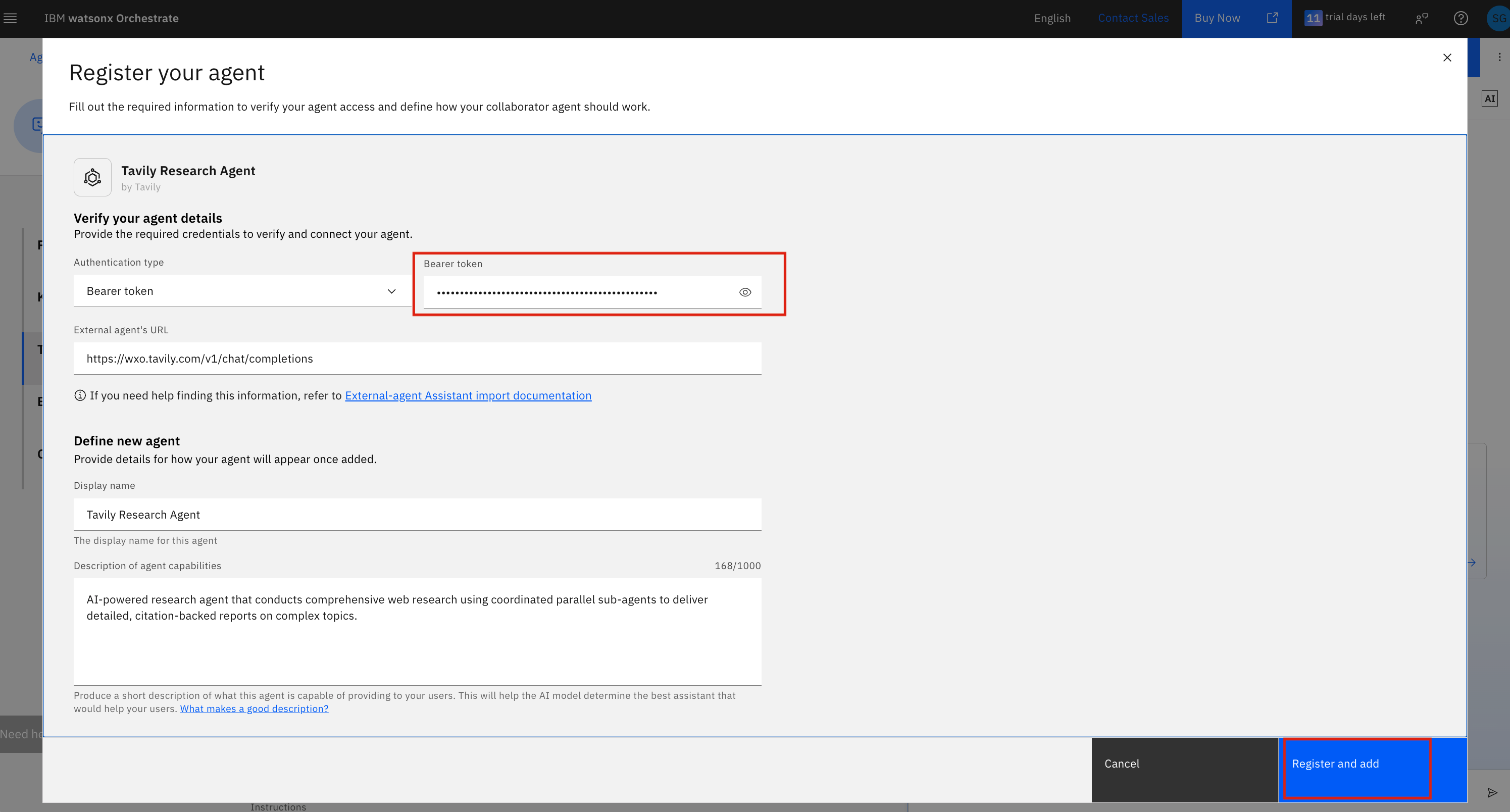
- Enter your bearer token (from Step 2) in the Bearer token field and click Register and add
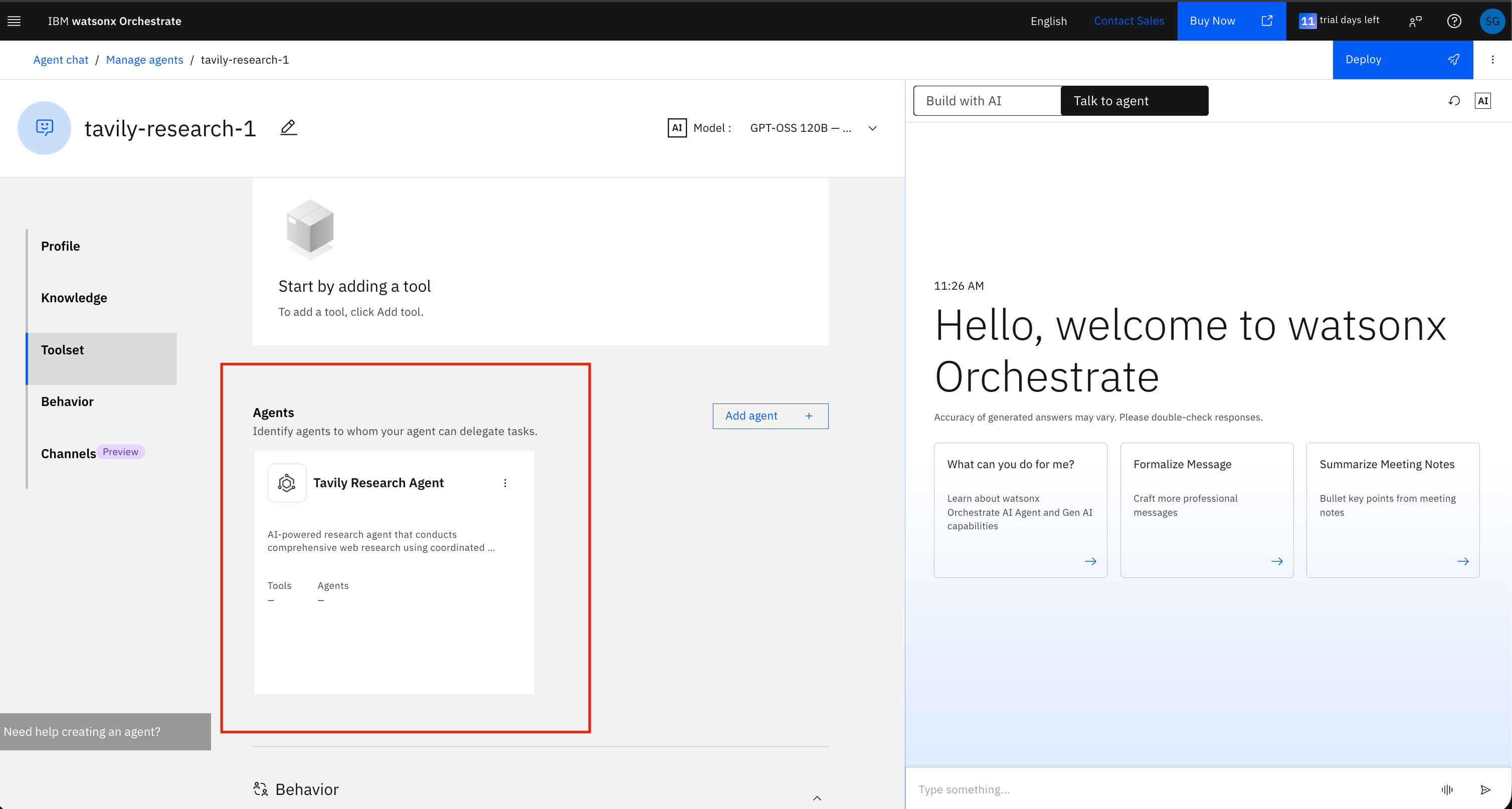
- The Tavily Research Agent will now appear in your agent’s Toolset under the Agents section
Step 4: Try It Out
Ask a question in the chat that requires real-time web research, and watsonx Orchestrate will automatically hand off to the Tavily Research Agent.